Mineframe · Standalone device
Mineframe Relay
A standalone Pi that runs a live dashboard for your crypto miners.
DESIGNED BY STATIC DIVISIONS
In development
Mineframe · Standalone device
A standalone Pi that runs a live dashboard for your crypto miners.
DESIGNED BY STATIC DIVISIONS
In development

The device
Mineframe Relay is a Raspberry Pi Zero W that finds the crypto miners on your home network and keeps one live dashboard of all of them.
Set it up from your phone over a first-boot Wi-Fi hotspot. The dashboard lives on the Pi at mineframe.local. Plug a screen into the mini-HDMI port and it runs full screen, or open it from any phone or laptop on the same Wi-Fi.
What it shows
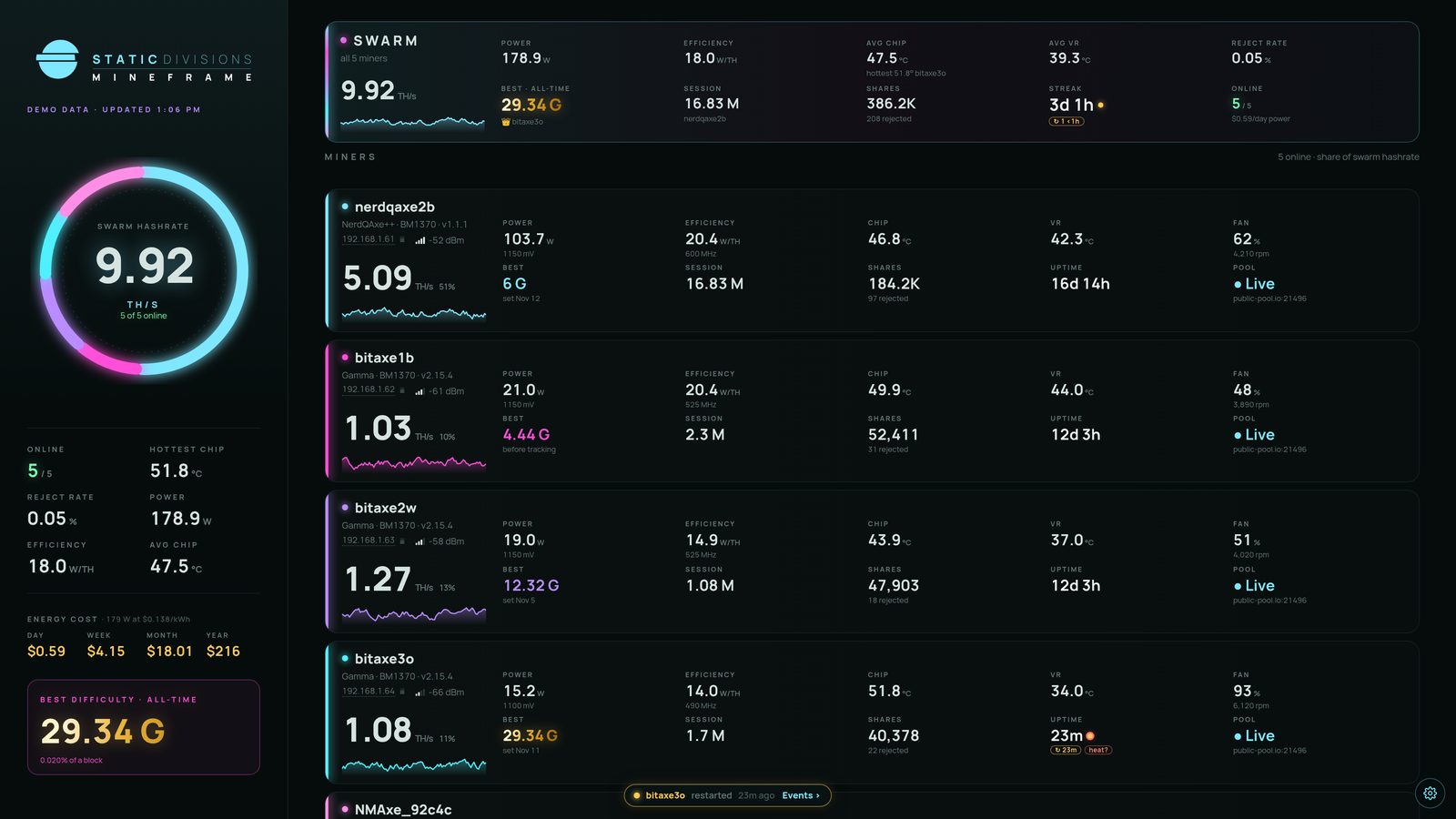
The combined hashrate of every miner in one ring, with how many are online.
Power, efficiency, chip and VR temperature, shares, best difficulty, uptime, fan and pool for each one.
Enter your electricity rate and see what the swarm costs by the day, week, month and year.
A restart, a miner going offline, overheating or a pool switch shows as a short pill. The full history lives in Settings, filtered by type.
Scan the network or add a miner by its IP address. Works with Bitaxe, NerdQAxe and NMAxe.
Full, Standard or Minimal cards. Pick when the screen dims, when it brightens and how far it dims.
Any screen

Mount a screen and leave it up: the dashboard is meant to be read from across the room. Portrait or landscape, including a monitor on its side, from 7-inch Pi panels up to 4K.

The same dashboard sits on a stand in the kitchen or on a desk. Open it in any browser on your home Wi-Fi. No extra app required.

On a phone or tablet, the whole fleet is in one view. If no screen is plugged into the Pi, Relay is still there on the same Wi-Fi.
First boot
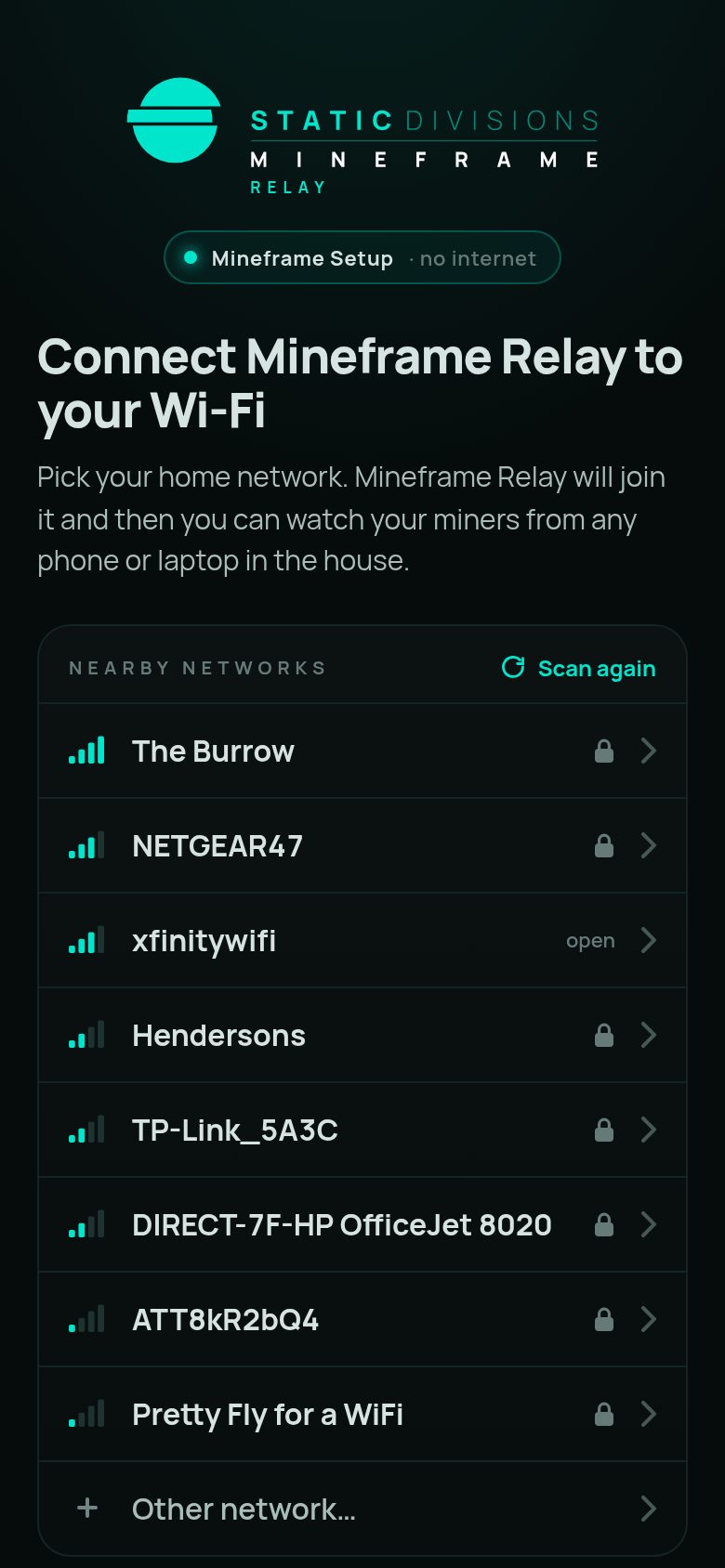
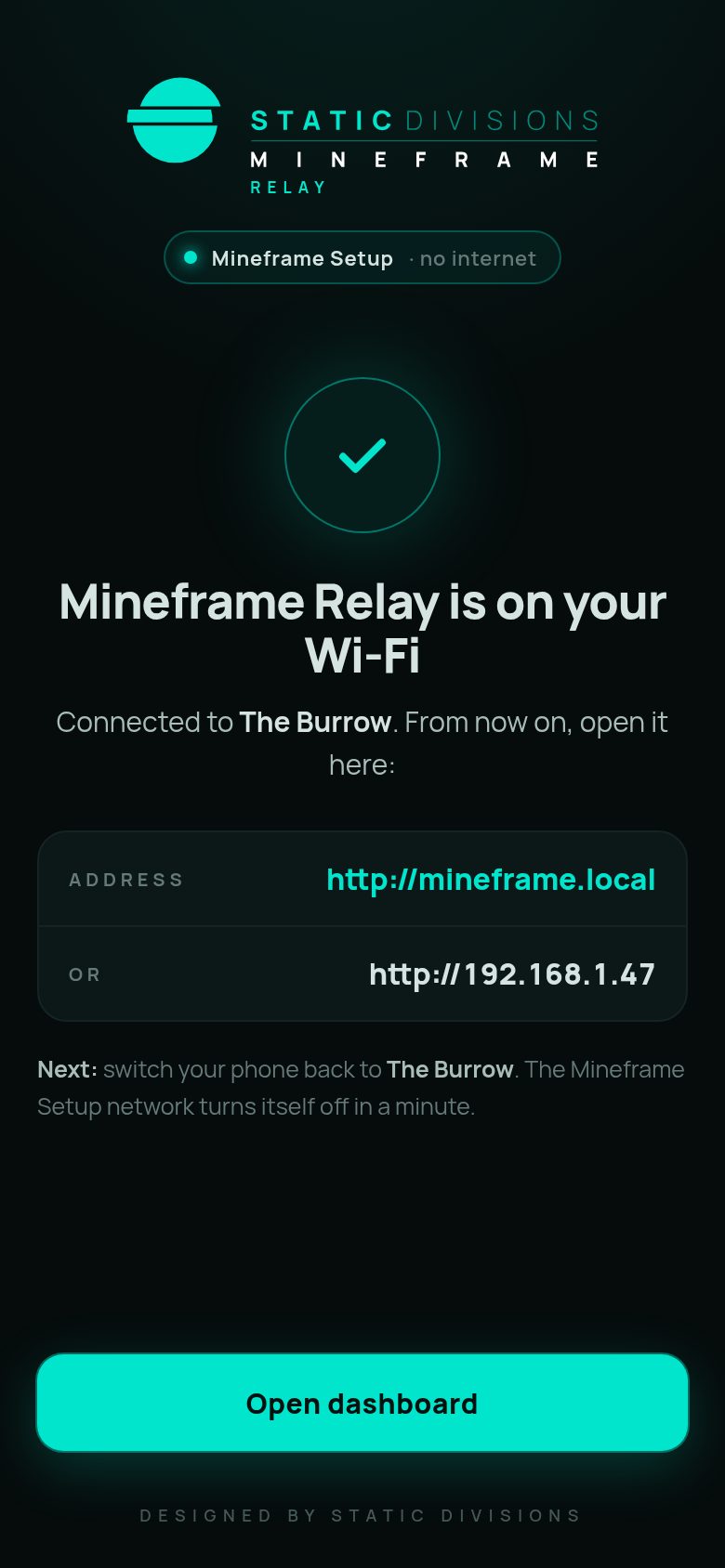
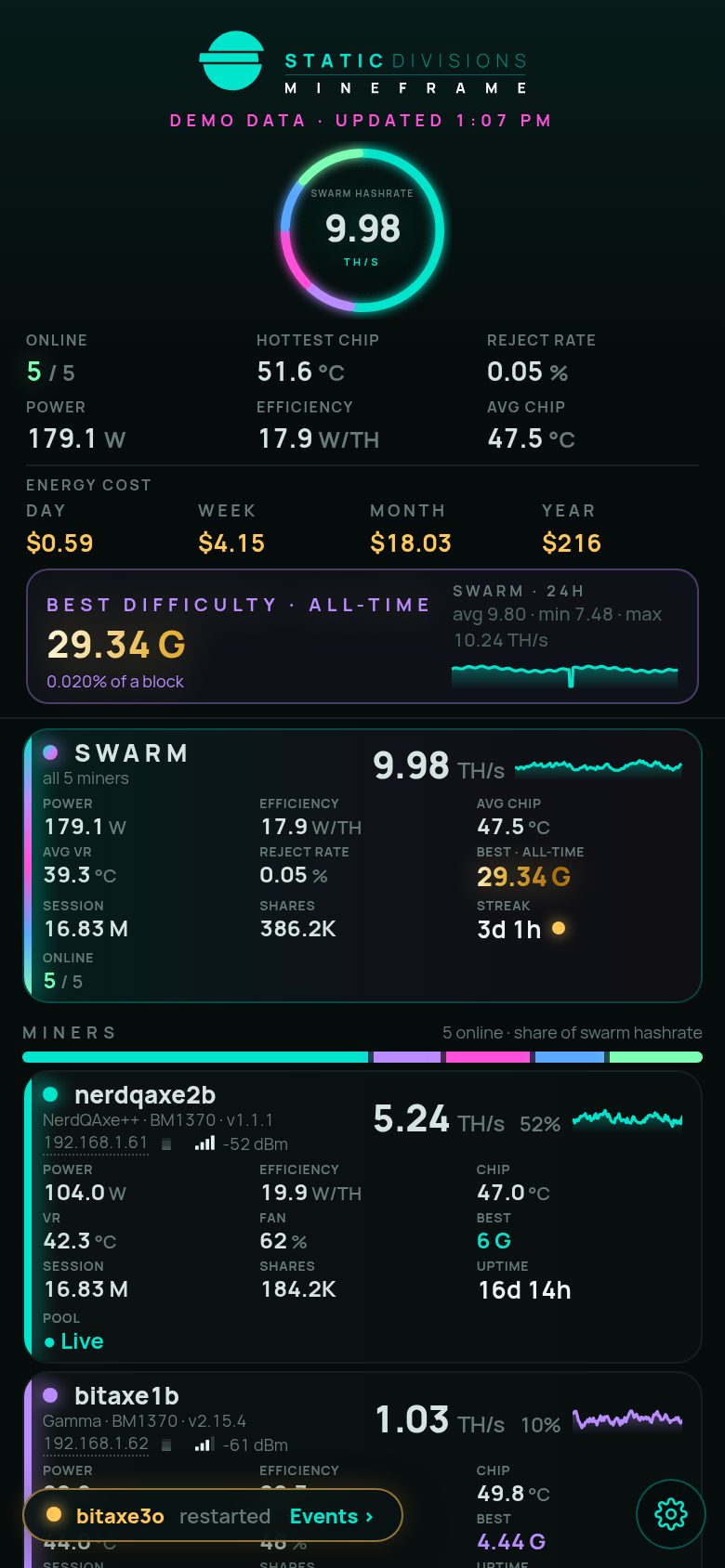
Setup and dashboard on a phone · sample data
To start over, put an empty file named mineframe-reset on the card and power on: Relay forgets its Wi-Fi and opens the setup network again.
Make it yours
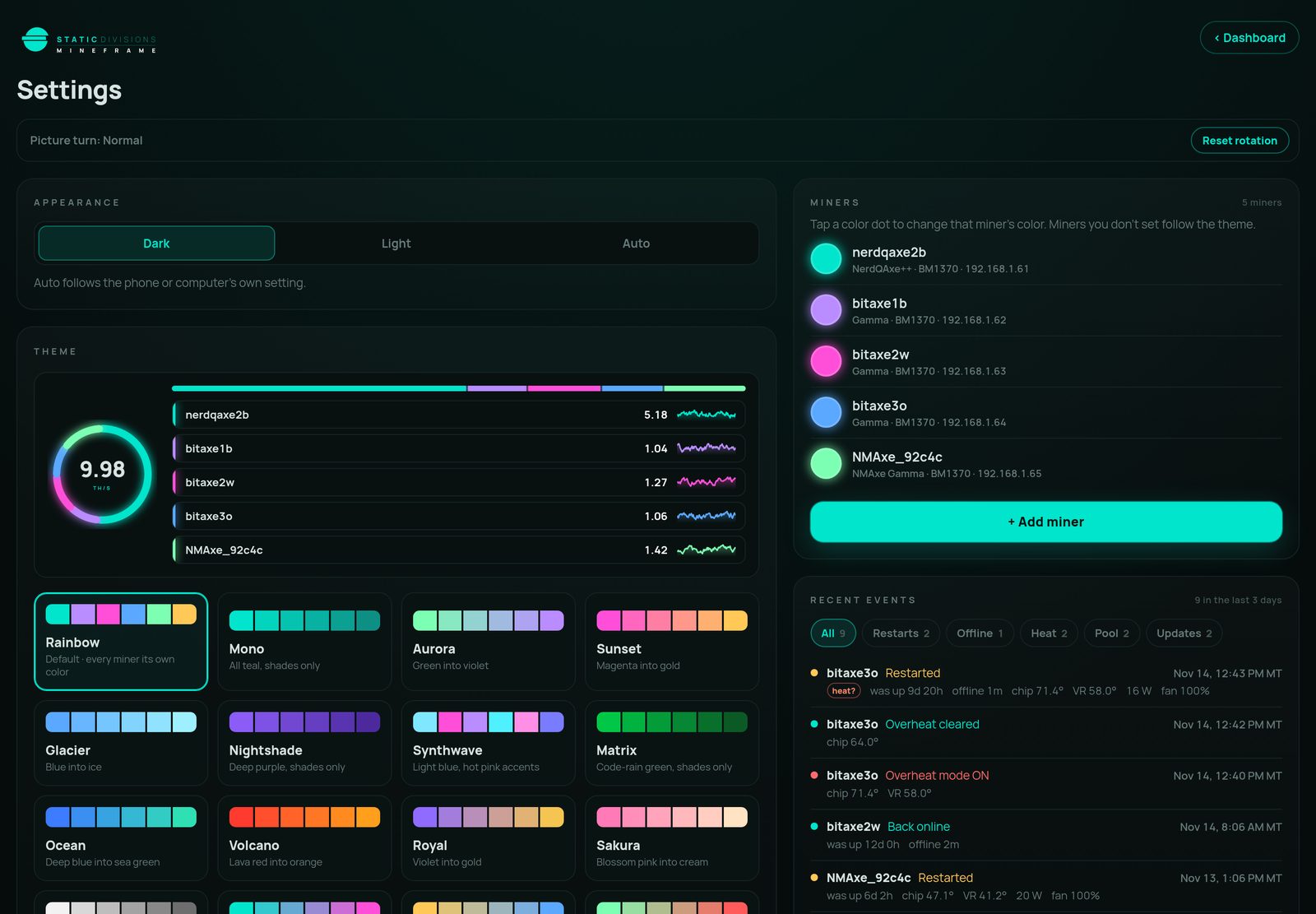
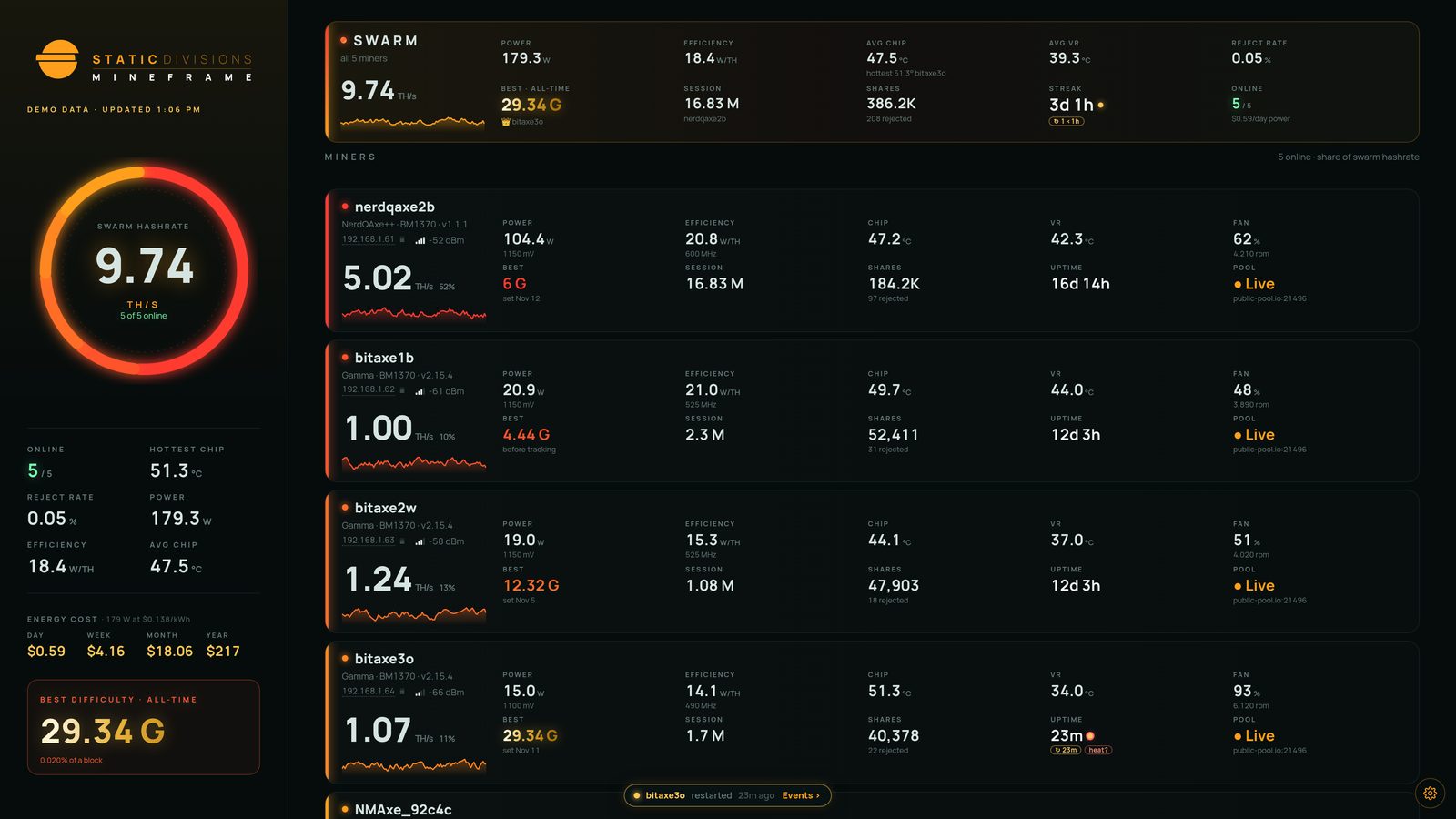
Logo, rings, buttons, graphs and tags all follow the theme you pick, or build your own in one of three custom slots. Give any miner its own color with a tap.
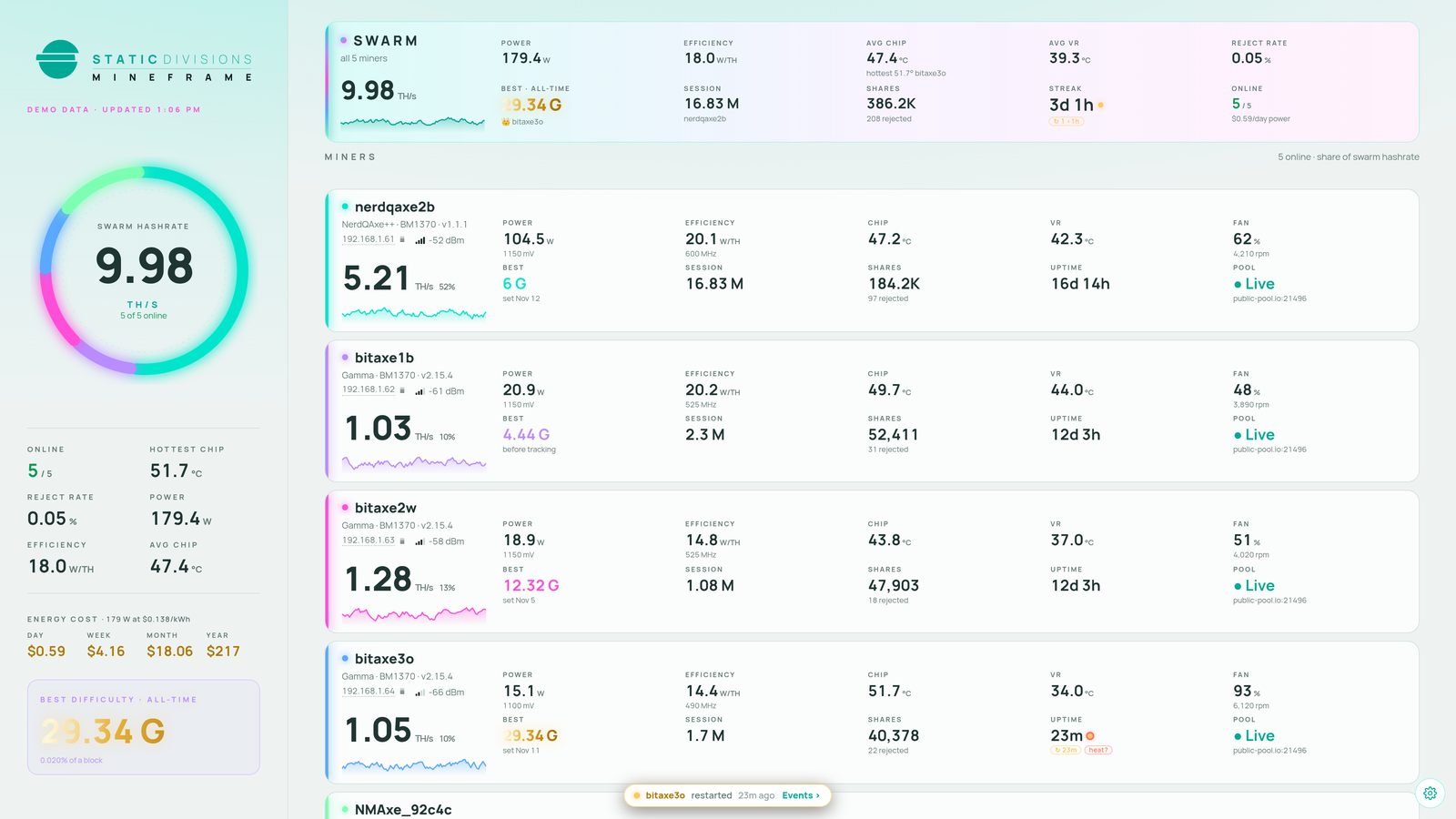
Dark, Light or Auto. Text color can be Default, High contrast, a tint of your theme or any color you like. The settings gear fades after three seconds so the screen stays clean.
Details
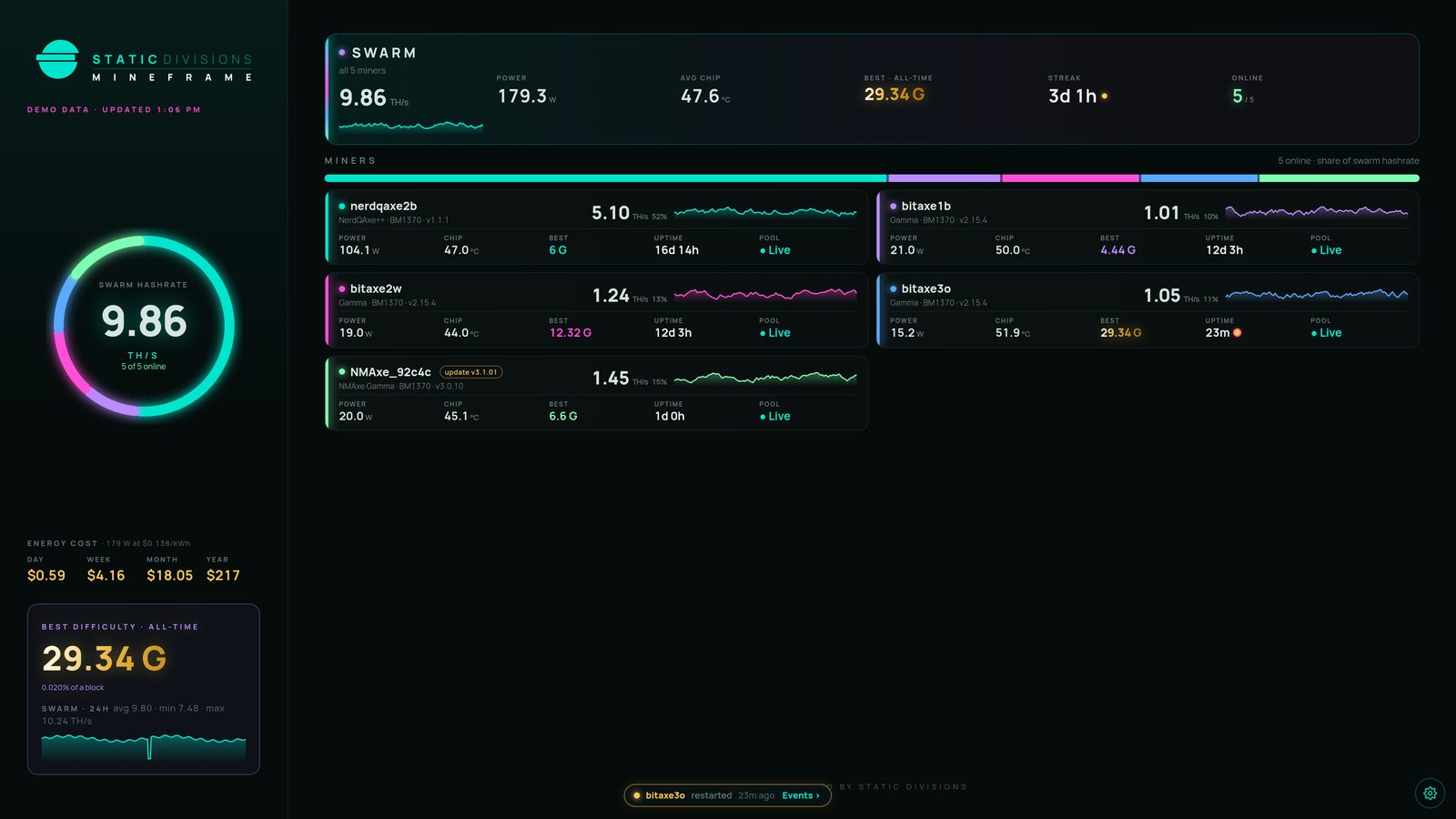
Full shows one big card per miner. Standard and Minimal go two per row, with Minimal compact enough to keep a whole swarm on one screen.
Status
Mineframe Relay is being built and tested now. Want to hear when it’s ready? Send a note.